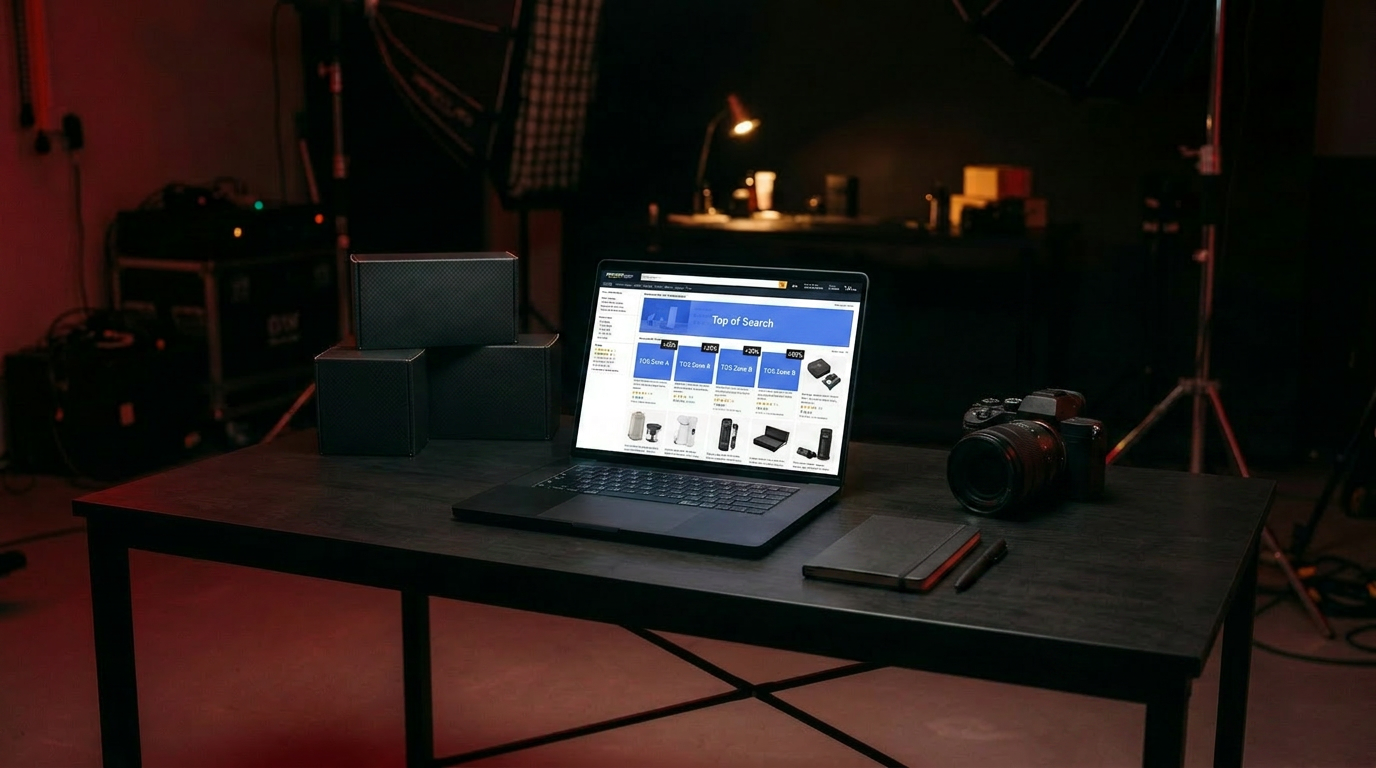
Not all ad placements are equal. The top of the search results page gets seen first, gets clicked most, and usually converts best. It also costs the most. Placement modifiers let you bid extra for that spot deliberately — instead of hoping the auction gets you there. Here’s how to use them well.
What placement modifiers are
Amazon splits your ad placements into three groups: top of search (first page), rest of search, and product pages. With placement modifiers you can raise your bid by a percentage for a specific group — up to 900% — on top of your base bid.
So a $1.00 bid with a 50% top-of-search modifier becomes an effective $1.50 bid, but only for that top spot. Your other placements stay at $1.00.
Why this matters for ACoS
Top of search is a double-edged sword: higher conversion, higher cost per click. Whether it helps or hurts your ACoS depends entirely on your product. Placement modifiers let you tune that trade-off instead of leaving it to chance.
How to set them
- Pull the placement report first. See where your conversions actually come from before you modify anything. Don’t guess.
- Increase top-of-search modifiers on proven winners — keywords that already convert well. Winning the top spot amplifies a good thing.
- Keep modifiers low or zero on unproven terms. No point paying a premium for a placement that hasn’t earned it.
- Re-check monthly. Placement performance shifts with competition and season.
Placement modifiers turn “I hope I show up top” into “I choose to pay more for top on the terms that deserve it.” That control is where a few points of ACoS get won back.
Want us to find where your budget should — and shouldn’t — chase the top spot? Get a free audit.